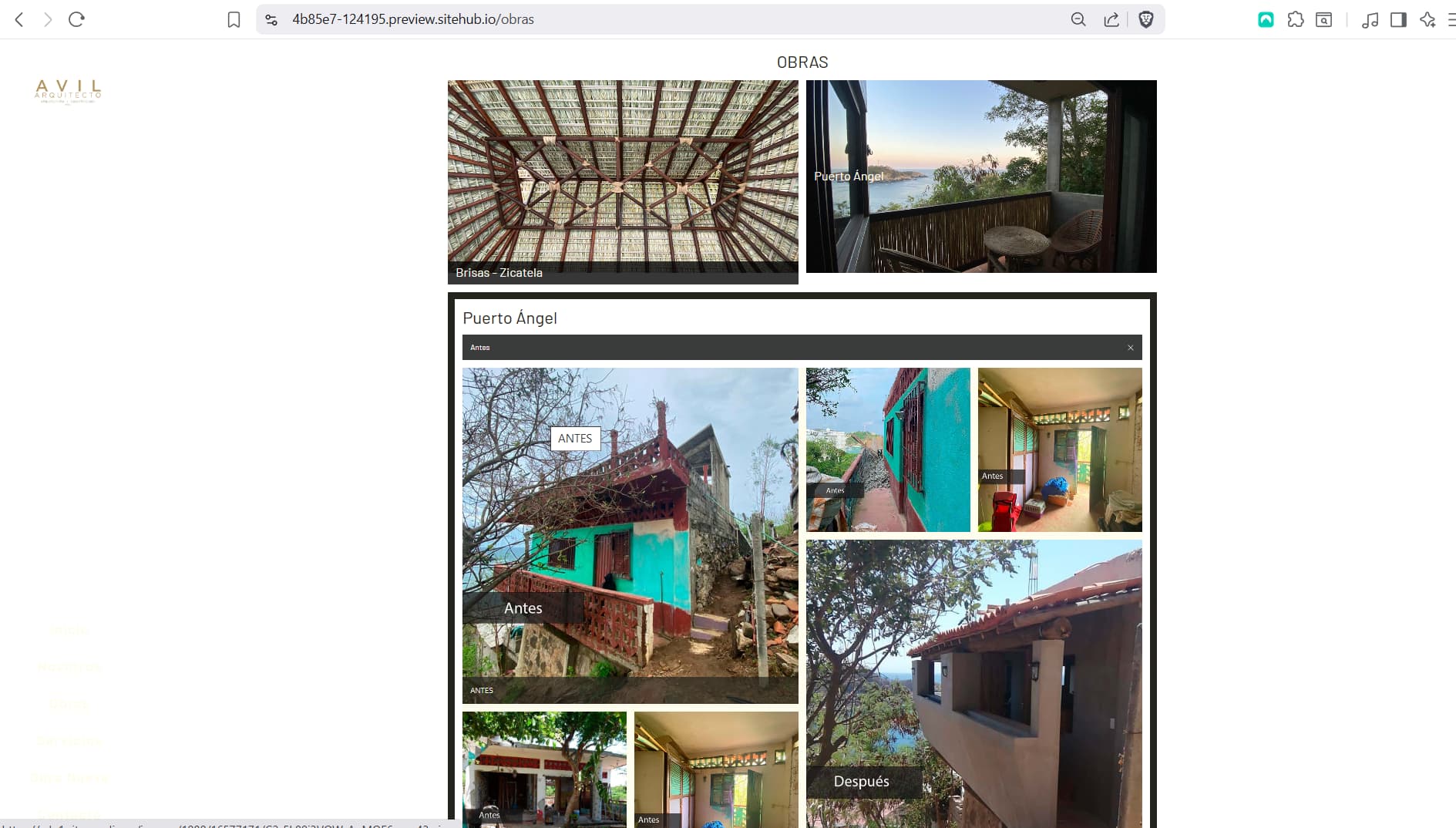
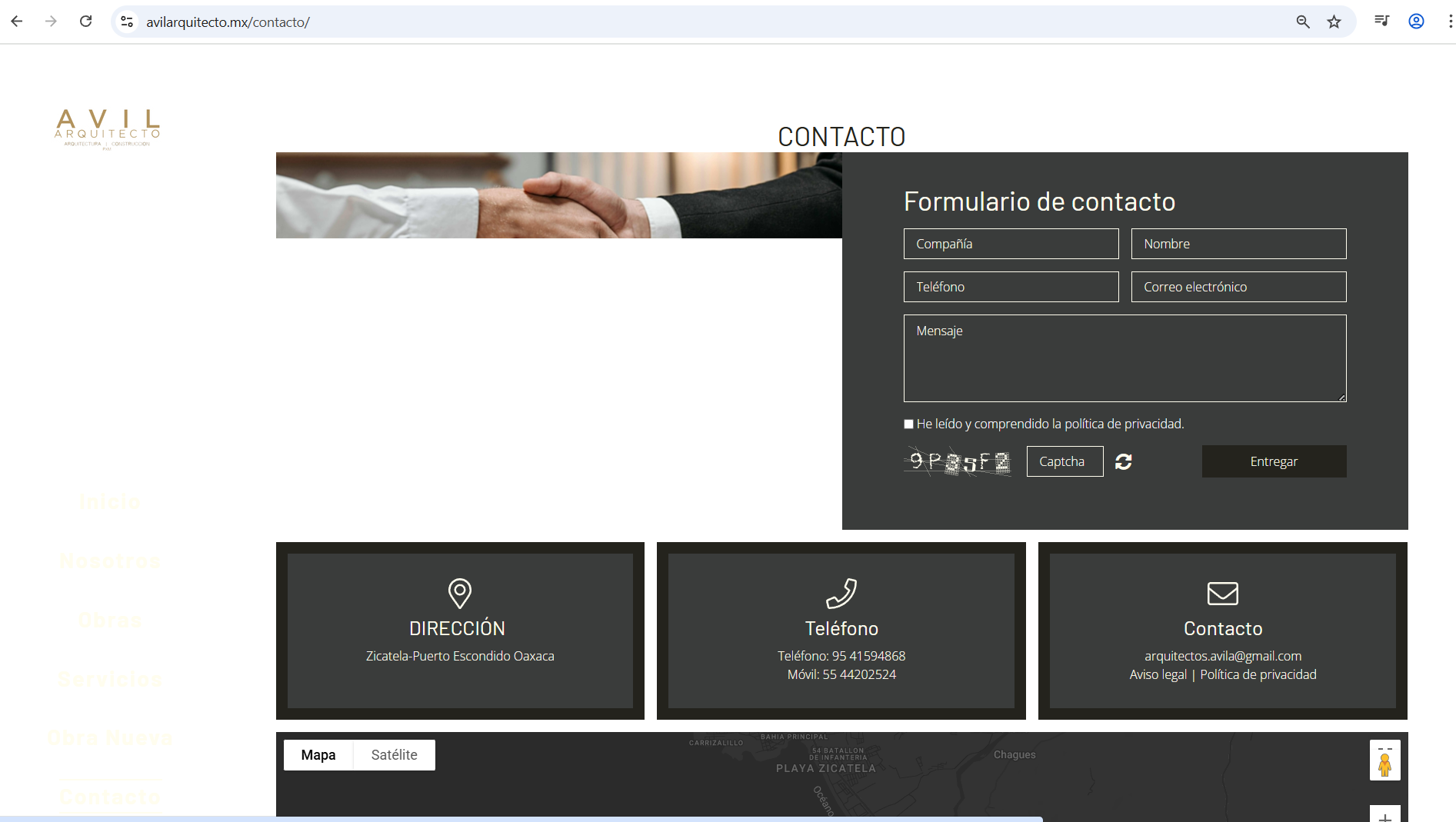
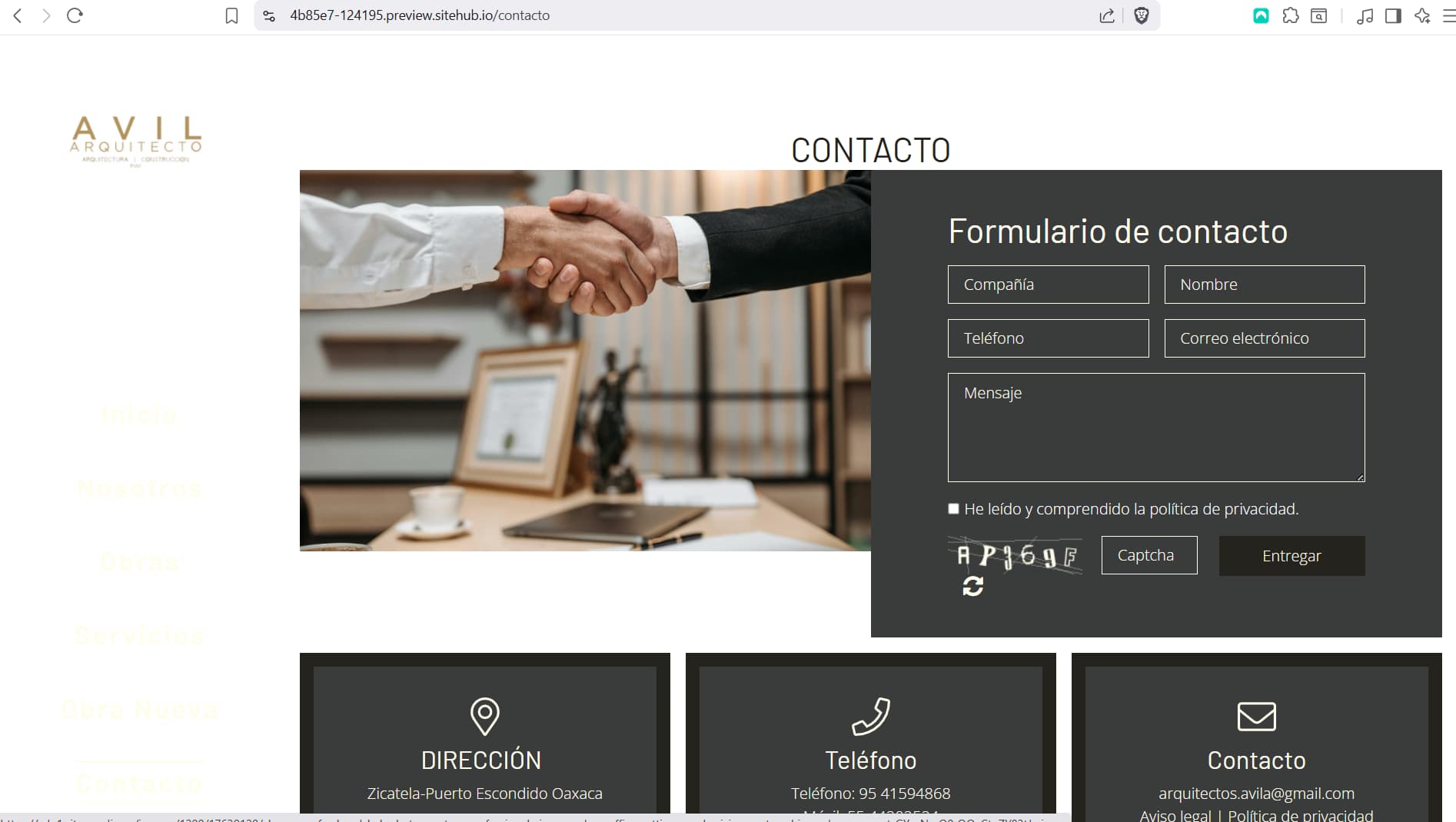
We’re experiencing significant image display issues on our website. When published, images appear cropped and load incorrectly.
We were previously informed that this problem might be due to externally optimized images being re-optimized by Sitjet. However, we’ve tested using images directly from the Sitjet library, and the error persists.
You can verify this problem in the following sections:
Hi Alexis, welcome to the Sitejet community!
Thanks for sharing the details and links—really helpful.
I’m just a fellow community member, but I took a quick look at your site and noticed the image issue you mentioned (especially in the /obras section). A couple of ideas that might help:
Try re-uploading one of the affected images with a slightly different file name to avoid caching issues.
Check if the original image dimensions are being overridden by CSS (sometimes object-fit: cover or fixed heights can cause cropping).
If you’re using lazy loading, test by temporarily disabling it to see if the issue is related to loading delays.
Also, make sure the image is actually present in the Sitejet media library and isn’t just linked externally.
Hope that helps as a starting point! Let us know how it goes—curious to hear if one of these fixes works for you.
Sure, I have already checked the css and the thing is that it is changing the href of the images lets say it is 960/img.png it is changing it to 540/image.png. We have disabled lazy loading and nothing happens but thanks for the help.
So, I had this issues once. Now, when I log in it is not happening anymore. Can you please try and clear the browser cache completely and re-try? It could be a cache or a connection issue.
I did it right now but no, it is still the same. My client has had this issues for a month or so, I think the problem is that in galleries there is no option to deactivate the option of optimization, because something is wrong with it, the way it changes the name of the file to some cropped image…
Look, here are some other screenshots I took after clearing the cache.
So it seems that the CMS and preview website looks fine. So it must be something with the export to the Plex server. The developer recommends to manually remove all website files from the server, then log into the Website Builder and publish again.
Hopefully, that fixes the issue.
For context: I checked if there is any issue with the CDN here but when you click on the links to the pictures, you can see that they load correctly on our peripherie but after the export they did not. Therefore, something must have gone wrong during the export.
Hey, so its not working, it even got worse. My client can’t get any solution on this, we have had this for about a month or so. Its a little annoying haha, hope we can get a solution on this
I did re-publish, deleted cache and everything. Is not working right but it is the way Sitejet is deploying it so I think dev team shiuld take a look at it.